
By Bill Scott — 7 years testing and reviewing business software for agencies and SaaS teams.
Jasper’s pitch is that it learns your brand voice well enough to draft content without sounding generic. We ran it for six weeks on paid client work to find out where that holds up and where it doesn’t. This isn’t a features tour — it’s what happened when we fed Jasper a real client’s Knowledge Base, asked it to write video scripts and supporting content, and had to fix the output before it shipped.
Which Jasper Plan Actually Makes Sense
Jasper runs three tiers, and the gap between them matters more than the pricing page makes it look. We opted for Jasper Pro at roughly $59 per seat per month for our agency. The Creator plan was too limited for how we work — it caps you at one Brand Voice, which doesn’t function for an agency juggling multiple clients. Business tier, by contrast, felt like overkill: it’s built for larger teams needing SSO, custom workflows, and dedicated onboarding, none of which we needed to evaluate the tool itself.
The Pro plan decision came down to two specifics: support for three Brand Voices, and built-in Surfer SEO integration — the two features that actually mattered for client-facing production work rather than internal drafting. Jasper’s published pricing puts Pro at $69/month billed monthly or roughly $59/month on an annual commitment, which is the rate we locked in — worth independently verifying against current Jasper pricing breakdowns before you commit, since SaaS pricing shifts without much notice.
| Plan | Brand Voices | SEO Integration | Best For | Where It Falls Short |
|---|---|---|---|---|
| Creator | 1 | Not included | Solo writers, single-brand blogs | No room for multi-client or multi-brand work |
| Pro | 3 | Surfer SEO built in | Small agencies managing a handful of active clients | Storyboard/script formatting still breaks (see below) |
| Business | Custom | Custom + SSO | Larger teams needing admin controls, custom workflows | Priced for scale most small teams don’t need yet |
If you’re comparing Jasper against the broader field before committing to a seat, our full breakdown of ai tools for content creation covers where Jasper sits relative to tools built for visuals, audio, and full-campaign output rather than long-form text.
Setting Up Brand Voice on Real Client Work
We tested Brand Voice specifically on a B2B automation software client — building 3D animation video scripts and the supporting written content around them (landing page copy, video descriptions, follow-up email sequences). We fed the client’s website copy and older marketing materials into Jasper’s Knowledge Base as the training input for that Brand Voice profile.
Nothing about the result was perfect, and that’s the part most reviews skip.
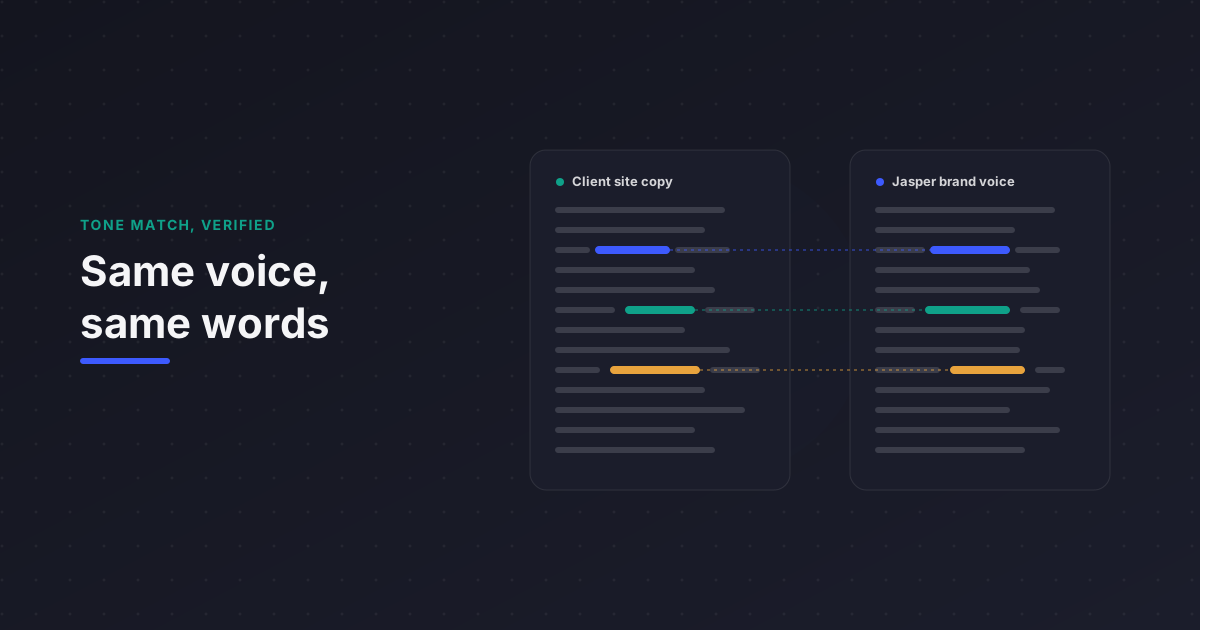
For flat, text-based content — landing page paragraphs, email copy, blog-style supporting content — Brand Voice held up well. Tone, terminology, and sentence rhythm stayed close enough to the client’s existing materials that editing time dropped noticeably compared to drafting from a blank page.
The Storyboard Formatting Problem
This is where the jasper ai content creation tool hits a real limitation for video-focused workflows. We asked Jasper to generate two-column video scripts — visuals on the left, audio/voiceover on the right, which is the standard format our animators and editors work from. The formatting broke consistently. Jasper is built around linear, text-heavy output; it doesn’t reliably hold a two-column structure across a multi-scene script without the columns collapsing or misaligning partway through.
For any team producing video, storyboard-formatted content, or anything requiring non-linear layout, this is a structural limitation, not a prompting issue — no amount of prompt refinement fully fixed it in our testing.
The Transition-Word Problem
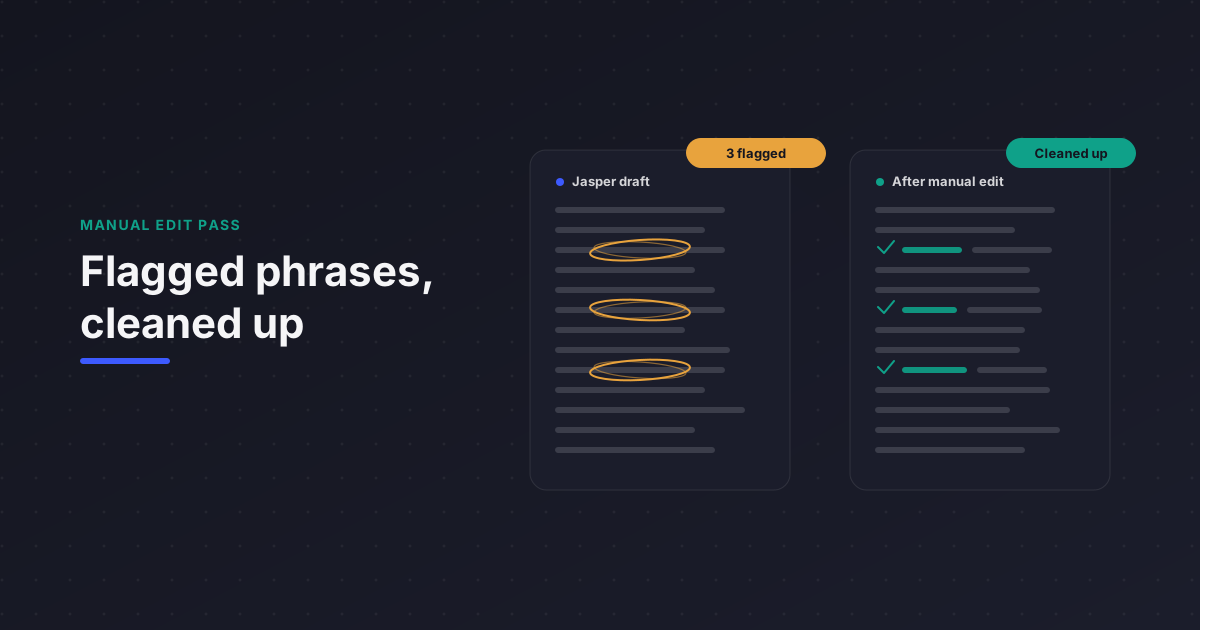
The second recurring issue: without a strict prompt, Jasper defaults to generic marketing transitions — “Furthermore,” “In today’s digital landscape,” and similar phrases that read as robotic in a video script meant to sound conversational. This isn’t unique to Jasper as a jasper ai writing tool, but it showed up often enough that we had to explicitly instruct it every time: “Do NOT use generic marketing transitions.”
Once that instruction was standard in our prompt template, output quality improved meaningfully. Without it, every draft needed a manual pass just to strip filler transitions before it could go to a client.
How Jasper Compares for Straight Writing Tasks
For teams whose primary need is grammar and clarity checking rather than generative drafting, Jasper isn’t really a direct substitute — that’s a different job. Our side-by-side breakdown of grammarly ai writing tool covers the specific cases where a checking tool outperforms a generative one, and where the two are better used together rather than as alternatives.
A Framework for Evaluating Jasper Before You Subscribe
- Audit your primary output format first. If your team produces flat, text-based content (blogs, landing pages, email), Brand Voice will likely earn its cost. If you produce scripts, storyboards, or non-linear formats, budget extra editing time.
- Build the Knowledge Base from your most representative content, not your best content. Feeding it polished hero-page copy alone will overtrain the voice toward a tone your everyday content doesn’t actually use.
- Standardize your prompt template early, including explicit bans on filler language. This is the single change that had the biggest measurable effect on our output quality.
- Test on your worst-case format, not your easiest one. We’d have missed the storyboard limitation entirely if we’d only tested Jasper on blog posts.
- Recalculate cost per seat against actual editing time saved, not against the sticker price alone — a lower per-seat cost with high editing overhead can end up more expensive than a pricier tool with cleaner output.
Where Jasper Still Falls Short as a Content Creation Tool
Being direct about this matters more than the setup process above. As a jasper ai content creation tool for agencies, Pro-tier pricing assumes a team producing primarily long-form text — the moment your workflow includes structured or non-linear formats like scripts and storyboards, you’re paying for a Brand Voice engine that can’t fully execute the format you need. That’s not a dealbreaker; it’s a scope limitation worth knowing before you commit a seat license.
Frequently Asked Questions
Does Jasper’s Brand Voice feature work for video script formatting? Not reliably for structured, multi-column formats. Jasper handles linear text well, but two-column script layouts (visuals on one side, audio/voiceover on the other) broke consistently in our testing across a full production script. Text-heavy supporting content built with the same Brand Voice performed well by comparison.
How many Brand Voices does the Jasper Pro plan actually support? Three. This was the deciding factor over the Creator plan for any team managing more than one active client or brand, since Creator caps at a single Brand Voice profile.
Do you need to manually prompt Jasper to avoid generic marketing language? Yes, consistently. Without an explicit instruction against filler transitions like “Furthermore” or “In today’s digital landscape,” Jasper defaults to them often enough to require a manual edit pass. Adding a standing instruction against generic marketing transitions in the prompt template reduced this significantly.
Next Steps: Auditing Your Content Workflow Before You Subscribe
If your team is weighing Jasper against a growing stack of AI writing tools, don’t start with the pricing page — start by identifying which output format actually bottlenecks your production right now. A jasper ai writing assistant that excels at blog copy won’t automatically solve a video-script or storyboard workflow, and paying for three Brand Voices you don’t use is a common way agencies overspend on this tier.
If you want a second opinion on whether your current content stack matches your actual output formats, that’s worth an outside audit before the next renewal.